

Jak aktywować eSIM: krok po kroku
Zainstaluj, aktywuj i rozwiąż problemy z eSIM na iPhone i Androidzie - w tym, co zrobić, gdy kod QR się nie skanuje.
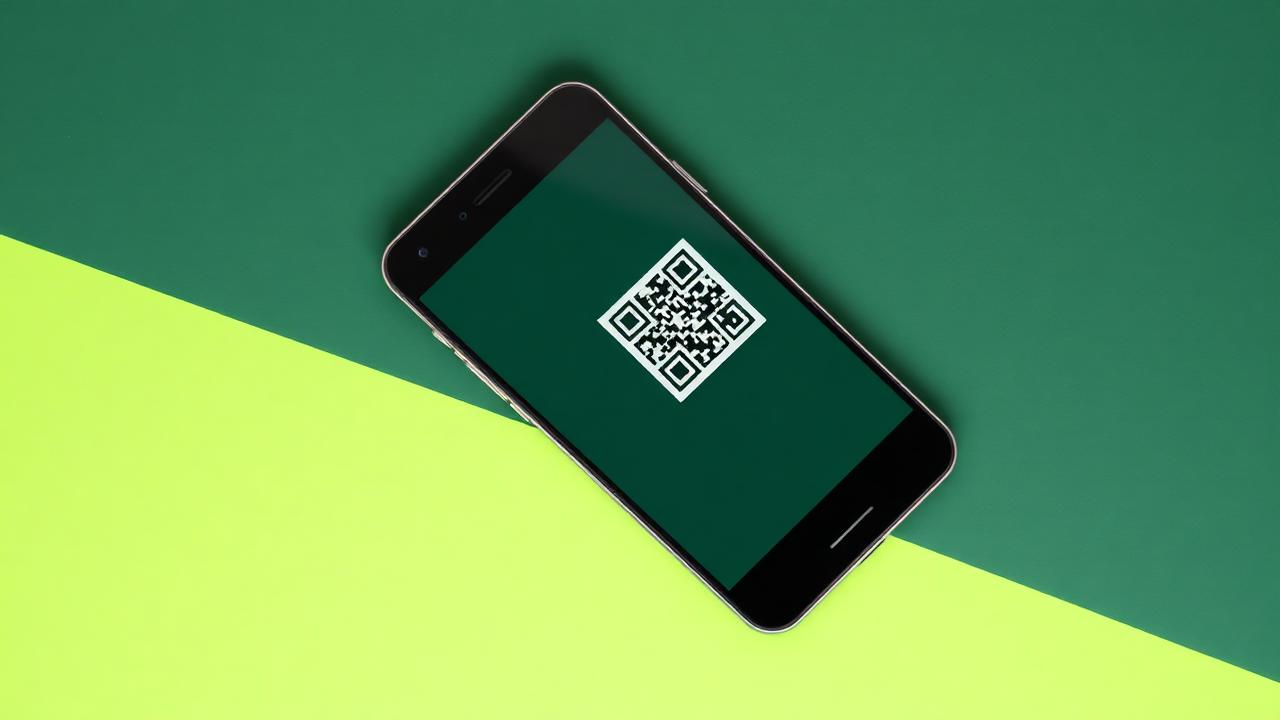
eSIM to karta SIM zapisana w sprzęcie Państwa telefonu. Nic nie jest wysyłane, nic nie
jest cięte i nic nie można zgubić. Instalacja trwa około dwóch minut przy połączeniu
Wi-Fi.
Zanim zaczną Państwo
- Prosimy sprawdzić, czy Państwa telefon obsługuje eSIM i nie posiada blokady
operatora (SIM-lock). - Podczas instalacji prosimy pozostać w sieci Wi-Fi.
- Prosimy zachować kod QR z wiadomości e-mail z zamówieniem — może być potrzebny w
przypadku zmiany telefonu.
iPhone
- Prosimy otworzyć Ustawienia → Sieć komórkowa → Dodaj eSIM.
- Prosimy dotknąć Użyj kodu QR i zeskanować kod z wiadomości e-mail z
potwierdzeniem. - Prosimy nazwać plan (na przykład „Podróż”), aby odróżnić go od Państwa głównej
linii. - Prosimy ustawić główną kartę SIM jako domyślną linię głosową, a nową kartę eSIM
jako linię danych mobilnych. - Prosimy włączyć Roaming danych tylko dla eSIM.
Android
Nazwy menu mogą się nieznacznie różnić w zależności od producenta.
- Prosimy otworzyć Ustawienia → Sieć i internet → Karty SIM → Dodaj eSIM.
- Prosimy zeskanować kod QR, a następnie potwierdzić pobieranie.
- Prosimy włączyć profil i wybrać go dla danych mobilnych.
- Prosimy włączyć roaming dla tego profilu.
Kiedy plan zaczyna obowiązywać?
Okres ważności rozpoczyna się, gdy eSIM po raz pierwszy połączy się z siecią w Państwa
miejscu docelowym — nie w momencie instalacji. Mogą więc Państwo bezpiecznie wszystko
ustawić na kilka dni przed wyjazdem.
Rozwiązywanie problemów
"Nie można dodać eSIM" — zazwyczaj są Państwo offline lub korzystają z
ograniczonej sieci Wi-Fi. Prosimy spróbować użyć danych mobilnych lub innej sieci.
Brak sygnału po wylądowaniu — prosimy przełączyć tryb samolotowy, a następnie
ręcznie wybrać operatora. Niektóre sieci potrzebują do pięciu minut na pierwsze
połączenie.
Dane nie działają, ale jest sygnał — prosimy sprawdzić, czy eSIM jest wybrana jako
linia danych i czy roaming jest dla niej włączony.
Kod QR już użyty — profil eSIM można zainstalować tylko raz. Jeśli go Państwo
usunięli, prosimy skontaktować się z pomocą techniczną, a my go ponownie wystawimy.
Czytaj dalej
 Poradniki1 min czytania
Jak uniknąć opłat roamingowych w Europie
Roaming jak w domu ma swoje granice. Oto jak działają zasady uczciwego użytkowania, kiedy operator może naliczyć dodatkowe opłaty i jak regionalna karta eSIM utrzymuje koszty na stałym poziomie.
28 lip 2026
 Aktualności prawne5 min czytania
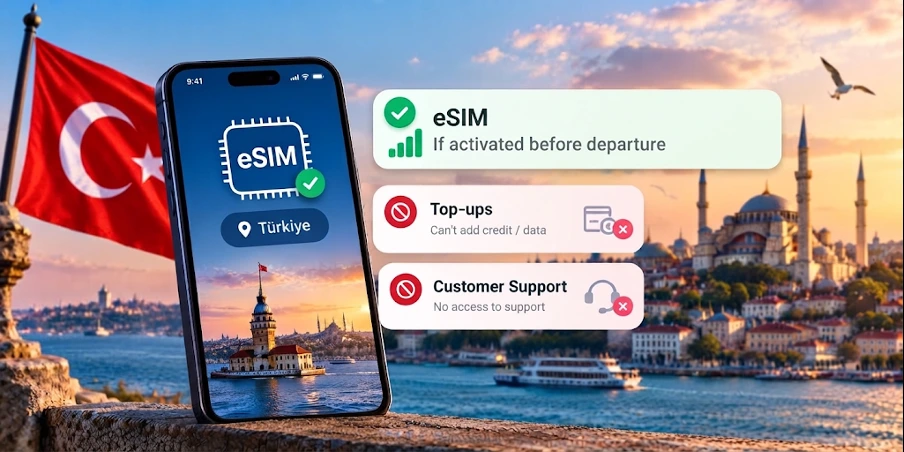
Zakaz eSIM w Turcji 2026: Co naprawdę obowiązuje
eSIM nie jest zakazany w Turcji - ale dostęp do ponad 50 dostawców jest zablokowany. Sprawdź, który dostawca nadal działa bez przerw.
16 wrz 2026
 Polecane eSIM według kraju1 min czytania
Najlepsza karta eSIM do Turcji: co kupić w 2026 roku
Jaka eSIM działa najlepiej w Turcji, ile danych naprawdę potrzebujesz i jak pozostać online od chwili lądowania w Stambule lub Antalyi.
10 sie 2026